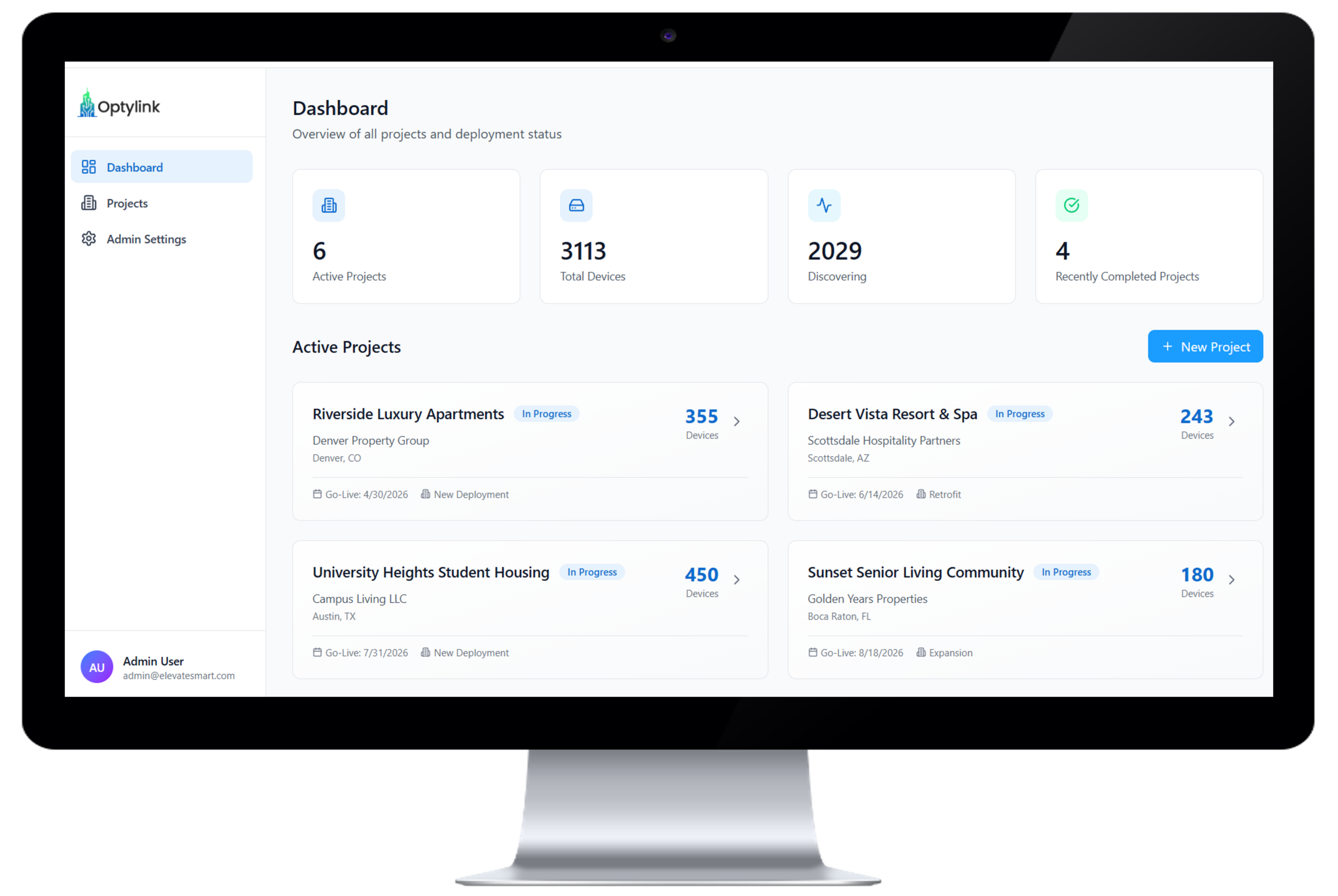
Optylink Technical Architecture
The Systems That Turn Device Chaos Into Predictable Deployments
DHCP interception. Policy-driven provisioning. Zero-trust enforcement. Infrastructure treated as code.
Overview
Optylink is a multi-layer deployment automation platform consisting of four primary systems: First-Touch Engine, Deployment Blueprints, Scout Intelligence, and Dynamic Mesh Expansion.
First-Touch Engine
Automated Device Identification and Configuration
The most fragile moment in any deployment is the first time a device connects to the network. Traditionally, this requires a technician to manually configure credentials, management endpoints, and platform settings.
Optylink eliminates this step entirely. The First-Touch Engine automatically identifies devices when they first power on and applies the correct configuration without human intervention.
How it Works
1. The Discovery Engine detects the device when it powers on within the environment.
2. Device fingerprints are identified using signature-based detection.
3. The platform retrieves the appropriate deployment blueprint.
4. Configuration templates are compiled with device-specific variables.
5. The completed configuration package is delivered to the device.
Within seconds, the device joins the network fully configured and secured. The result is a deterministic installation process where the first power-on becomes the final configuration step.
Deployment Blueprints™
Infrastructure-Level Configuration Intelligence
Large deployments require consistency. Without a standardized configuration system, every building, floor, and room introduces new variables and new opportunities for configuration drift.
Deployment Blueprints solve this by defining reusable deployment models that can be applied across entire environments.
Instead of configuring devices individually, engineers define the deployment logic once and allow Optylink to generate the correct configuration for every device automatically.
Blueprint Capabilities
Deployment Blueprints are not static templates, they are environment-aware configuration systems that ensure every device is deployed with the correct settings, every time.
Instead of relying on manual selection or one-off configurations, Blueprints apply structured logic across the deployment environment to maintain consistency at scale. Core capabilities include:
• Standardized configuration models applied across entire deployments
• Location-aware configuration assignment based on device placement
• Reusable deployment definitions across multiple properties
• Support for location-specific overrides without duplicating configurations
• Enforcement of consistent configuration across all deployed devices
A single Blueprint can configure hundreds or thousands of devices across multiple properties without manual device setup.
Blueprint Architecture
Configurations are generated using a multi-layer variable system that mirrors how real deployment environments are structured.
Each layer refines the configuration without requiring duplication, allowing global standards to be maintained while supporting location-specific customization.
This structured inheritance model ensures that changes can be applied consistently across entire deployments without manual reconfiguration.
Environment-Aware Deployment
To apply Blueprints correctly, Optylink models the physical deployment environment as a structured hierarchy:
Because the platform understands the environment structure, configuration rules can be applied automatically to the correct locations.
For example, a room type definition may specify device roles, network credentials, and/or management endpoints. Every room of that type automatically inherits those settings during deployment.
Scout Intelligence™
Distributed Deployment Coordination
Once a device is successfully configured, it becomes more than just a deployed endpoint.
It becomes a Scout – a trusted node to assist with onboarding additional devices through a mechanism we call Scout Recruiting.
Instead of relying exclusively on centralized provisioning servers, the Scouts create a network that coordinates its own expansion.
Why This Matters
Traditional deployment systems struggle as environments grow because every device must communicate with the centralized infrastructure.
Scout Intelligence distributes that responsibility across the network.
Each successful device deployment increases the number of trusted nodes capable of assisting with future deployments.
This creates a system where the network participates in scaling itself.
Dynamic Mesh Expansion
Networks That Grow Stronger
As more Scout nodes come online, Scout Recruiting begins operating across a broader portion of the environment.
The network evolves from a static infrastructure into a distributed deployment mesh. Each new node contributes:
• Configuration intelligence
• Network awareness
• Device validation capabilities
As the deployment grows, onboarding becomes faster rather than slower.
Benefits
Accelerated Deployment Speed
Each new Scout increases the system’s ability to onboard additional devices.
Reduced Infrastructure Bottlenecks
Onboarding is distributed across the network instead of relying on a single control point
Improved Deployment Resilience
Multiple trusted nodes ensure device onboarding can continue even if infrastructure components are temporarily unavailable.
The Result
The Optylink architecture transforms device deployment from a manual process into a self-coordinating infrastructure system.
Devices Automatically:
• Identify themselves
• Receive the correct configuration
• Validate network compatibility
• Assist with future deployments
As environments grow, the system becomes faster, stronger, and more efficient.