Say Hello to Your New BFF
Optylink’s Platform That Makes Large-scale IoT Feel Deceptively Simple
We’ve built a solution that quietly eliminates manual work, boosts accuracy, and gets everything live fast. From initial import and planning through on-site execution and final validation, Optylink handles the complexity so your install teams can finish on time (or even earlier).
Zero-Touch
First Time Install
Optylink automates the First Time Install. Once devices are powered on, they are automatically configured.
Dynamic Mesh
Network
Every device becomes a configuration hub for others. The network self-expands to accelerate installations.
Intelligent
Auto-Discovery
Devices scan the install environment, identify peers, and instantly pull the correct configuration template.
The Optylink Dashboard
Operational control over large-scale device deployments.
Centralized Control
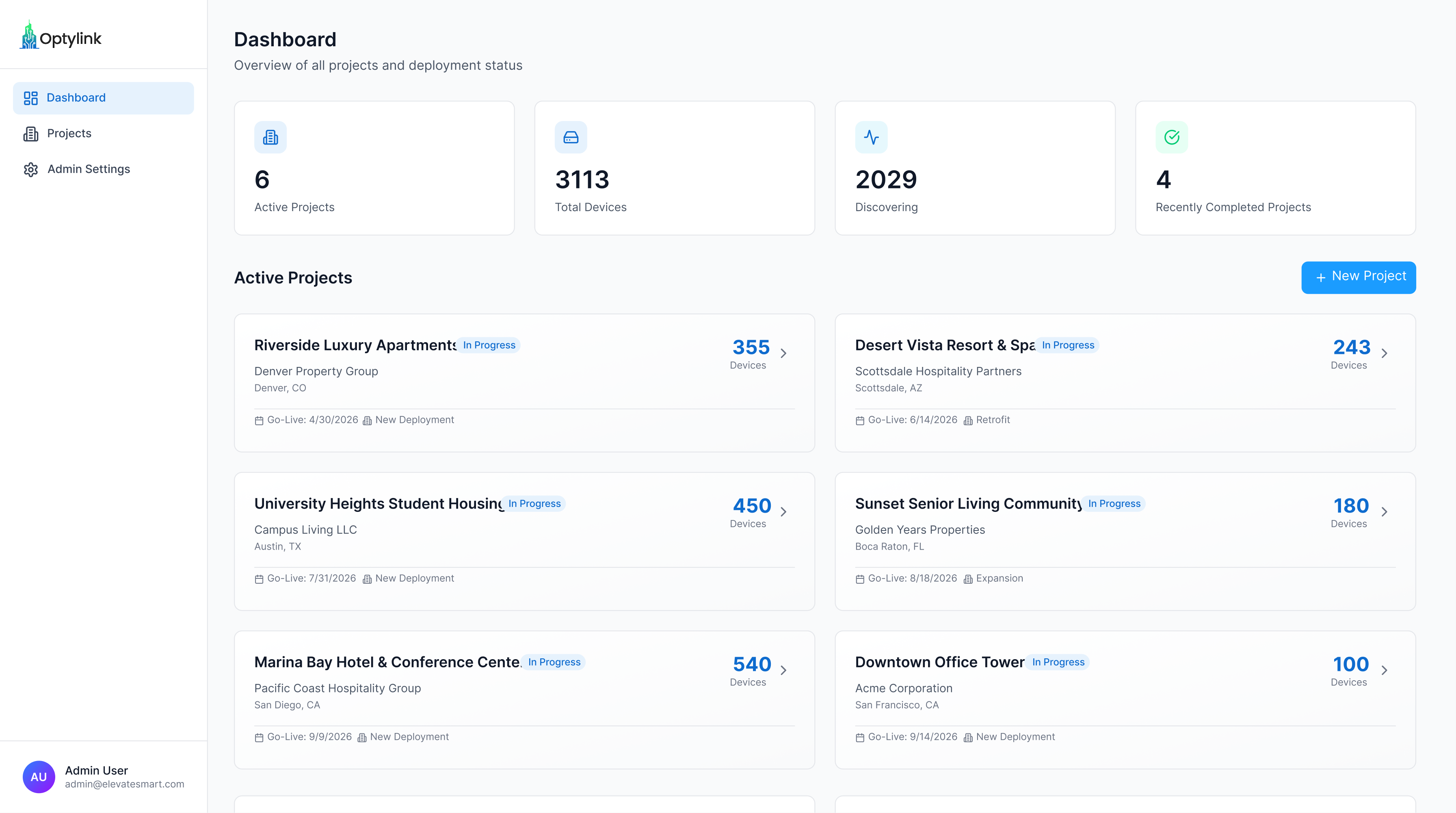
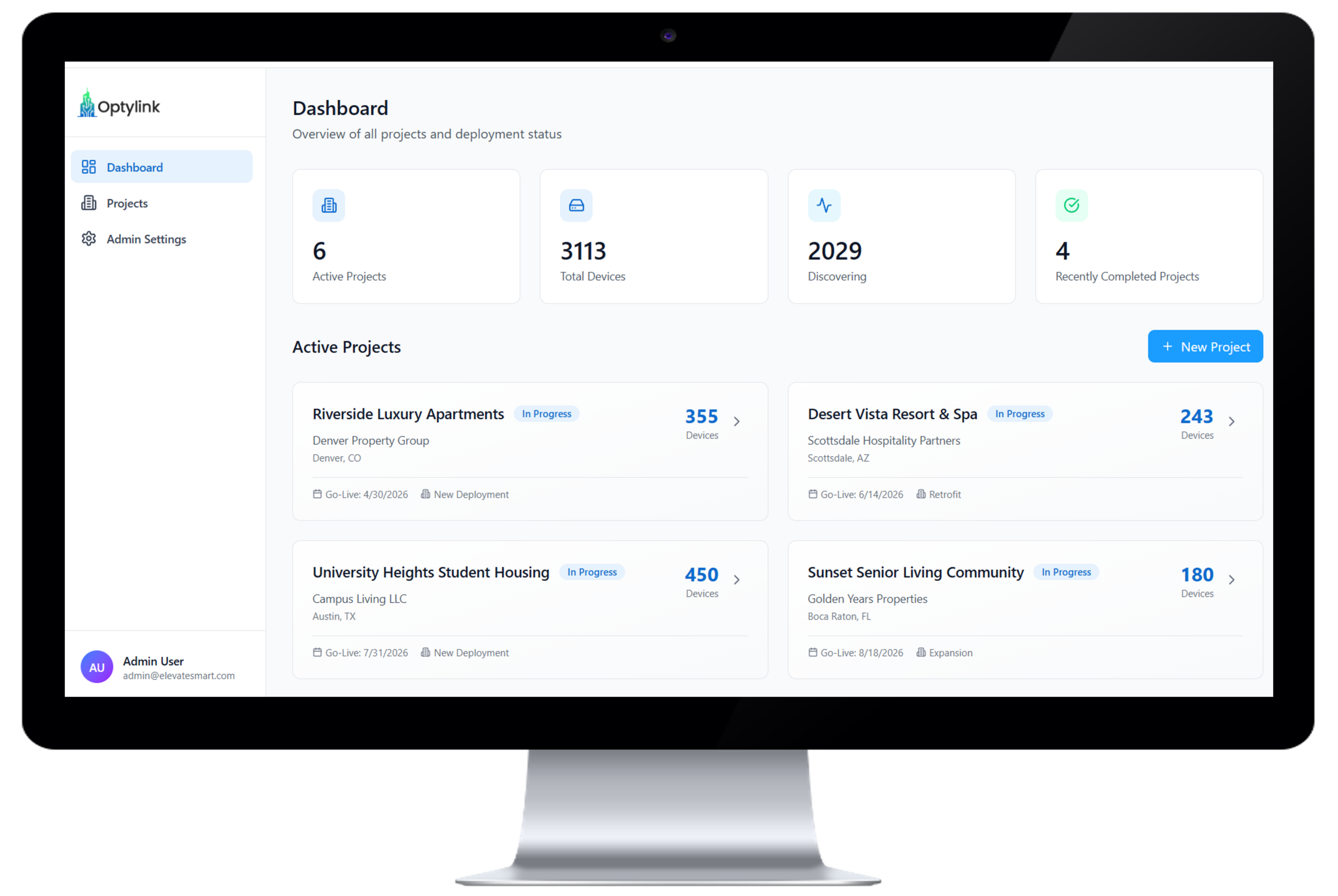
Manage every project, property, and deployment from a single, unified platform. Instantly switch between hotels, apartments, student housing, and commercial sites without juggling systems or losing context.
Real-Time Deployment Metrics
See live device states across every project – staged, discovering, deployed, or completed. Track progress as it happens and eliminate the guesswork (and the spreadsheets).
Operational Control at Scale
Execute bulk actions across hundreds or thousands of devices at once. Filter, assign, deploy, or decommission in seconds – without sacrificing precision or oversight.
Project Management Tools
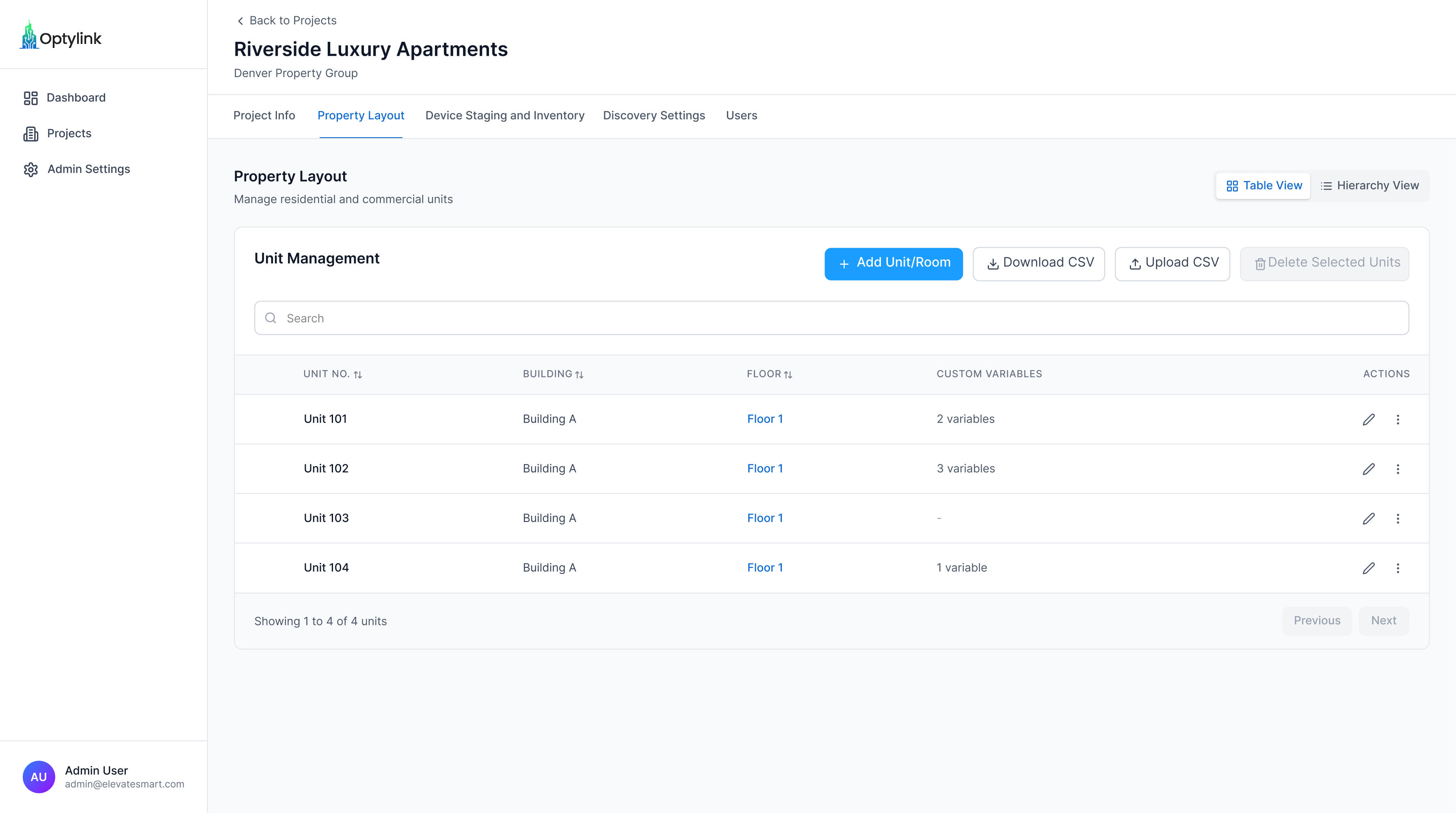
Each project in Optylink is a fully contained deployment environment. That means property information, configuration templates, device variables, and user access are all organized under one structured framework.

Variable-Driven Configuration Management
Manual Configuration Doesn’t Scale. Variables Do.
Deployment Blueprints allow teams to standardize how devices are installed across entire properties while still allowing location-specific variables. This cascading variable structure means you define settings once – and let inheritance do the heavy lifting.
Need 300 rooms to have identical baseline configs but unique hostnames? Done. Need one VIP suite to override VLAN and SSID? Also done.
It’s controlled flexibility – not chaos.